
How do guests upload their photos?
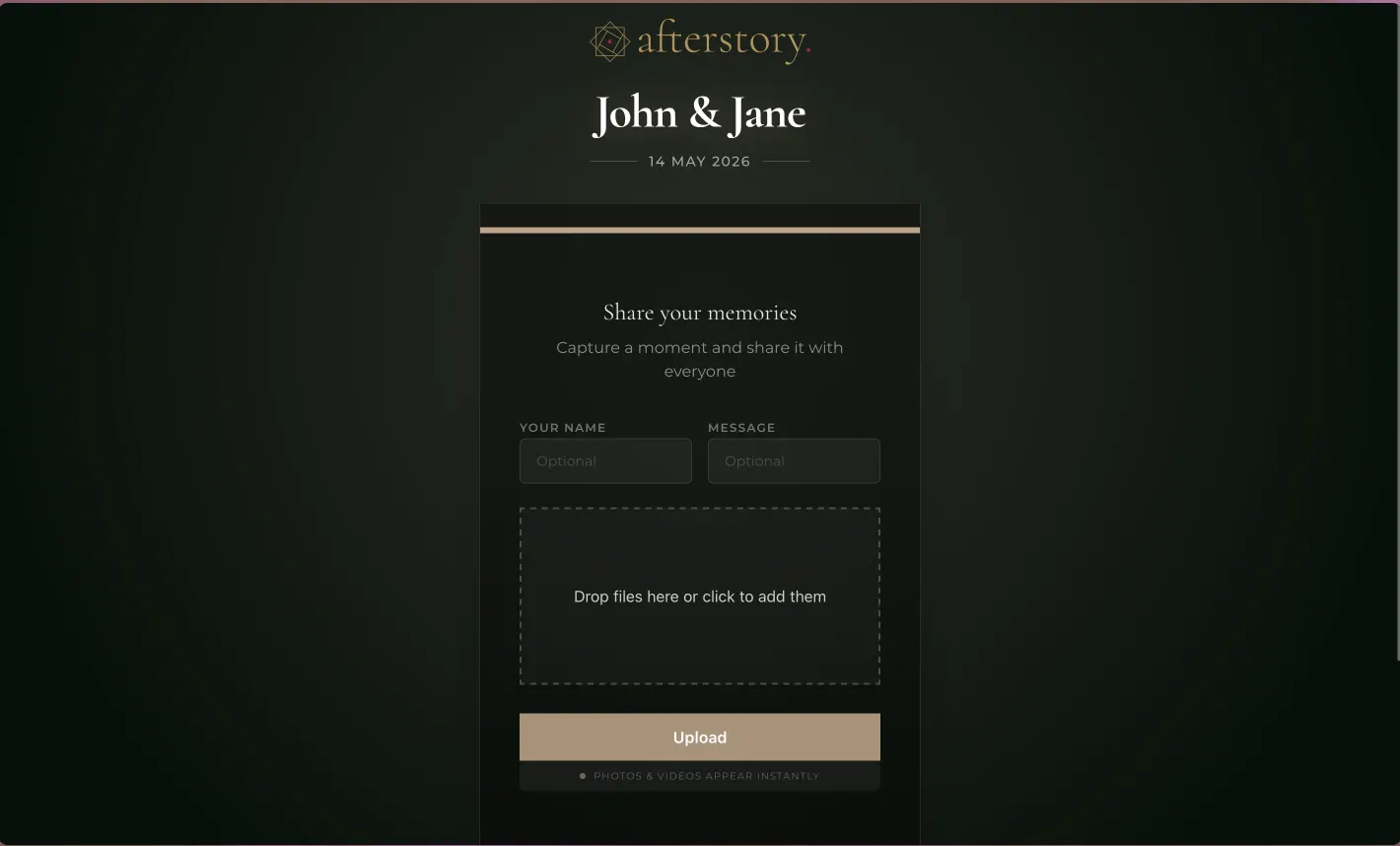
You share your event QR code on tables, invitations, or a venue screen. Guests scan it with their phone camera, choose photos or videos, and upload directly in their browser.
Guest photo sharing for weddings and celebrations
Create your event and share its QR code. Guests scan it to upload photos and videos without an app or account. Photos appear live on the venue screen, and you download everything in full resolution.
First event is free up to 10 uploads. No credit card required.
Select a photo or upload your own on the phone preview to see it appear on the venue screen.
Guest upload
"Dancing together"
Set up a live wall for your venue. Create your free event and test it before your celebration.
Create your event, share the QR code, and collect every upload in one place.
Guests scan your event QR code and pick photos or videos from their phone. It runs directly in the browser with no app or account needed.
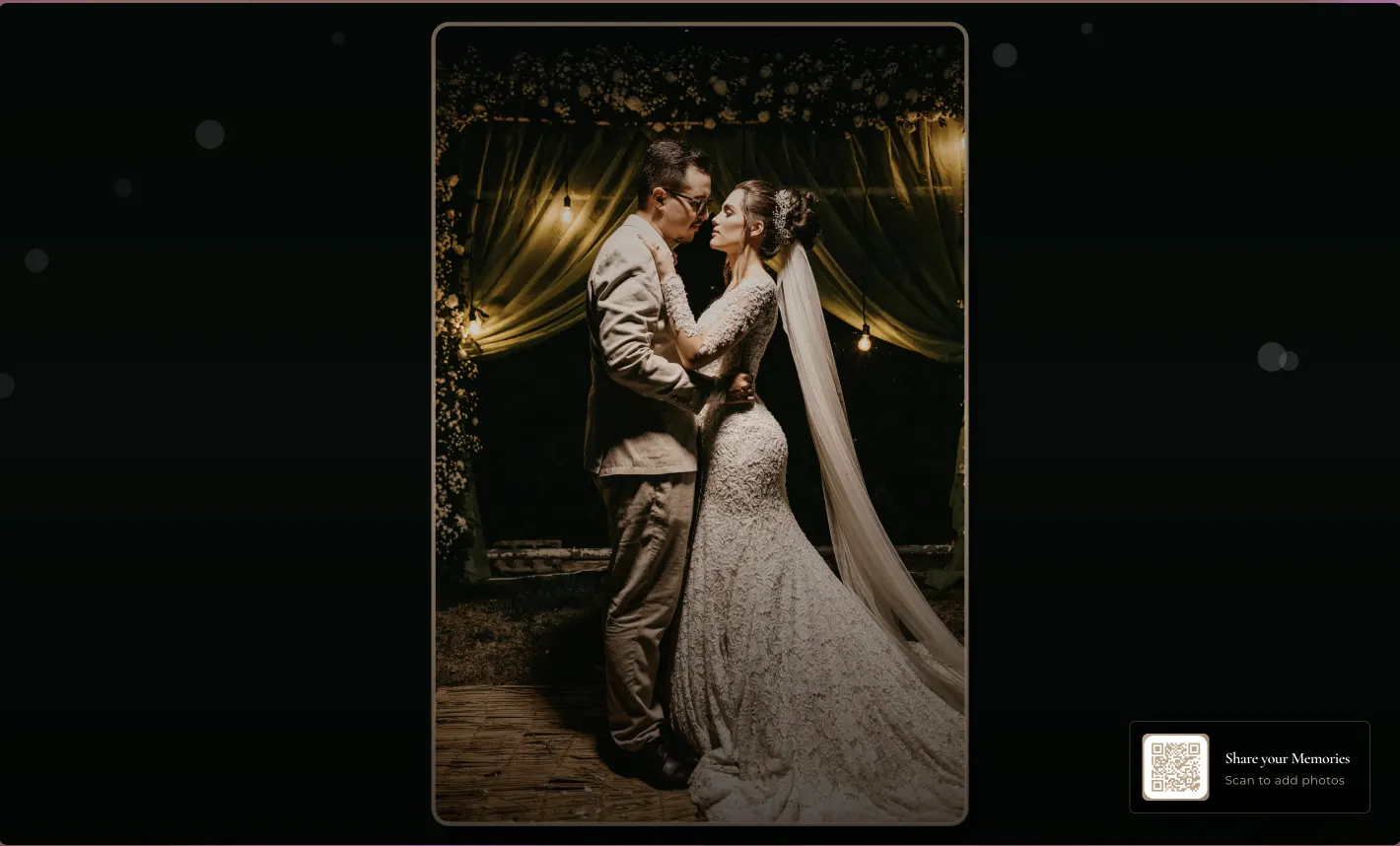
Open the Live Wall on a venue screen or projector. New guest uploads join the full-screen slideshow within seconds.
Manage uploads in your private gallery and download the full-resolution archive anytime.
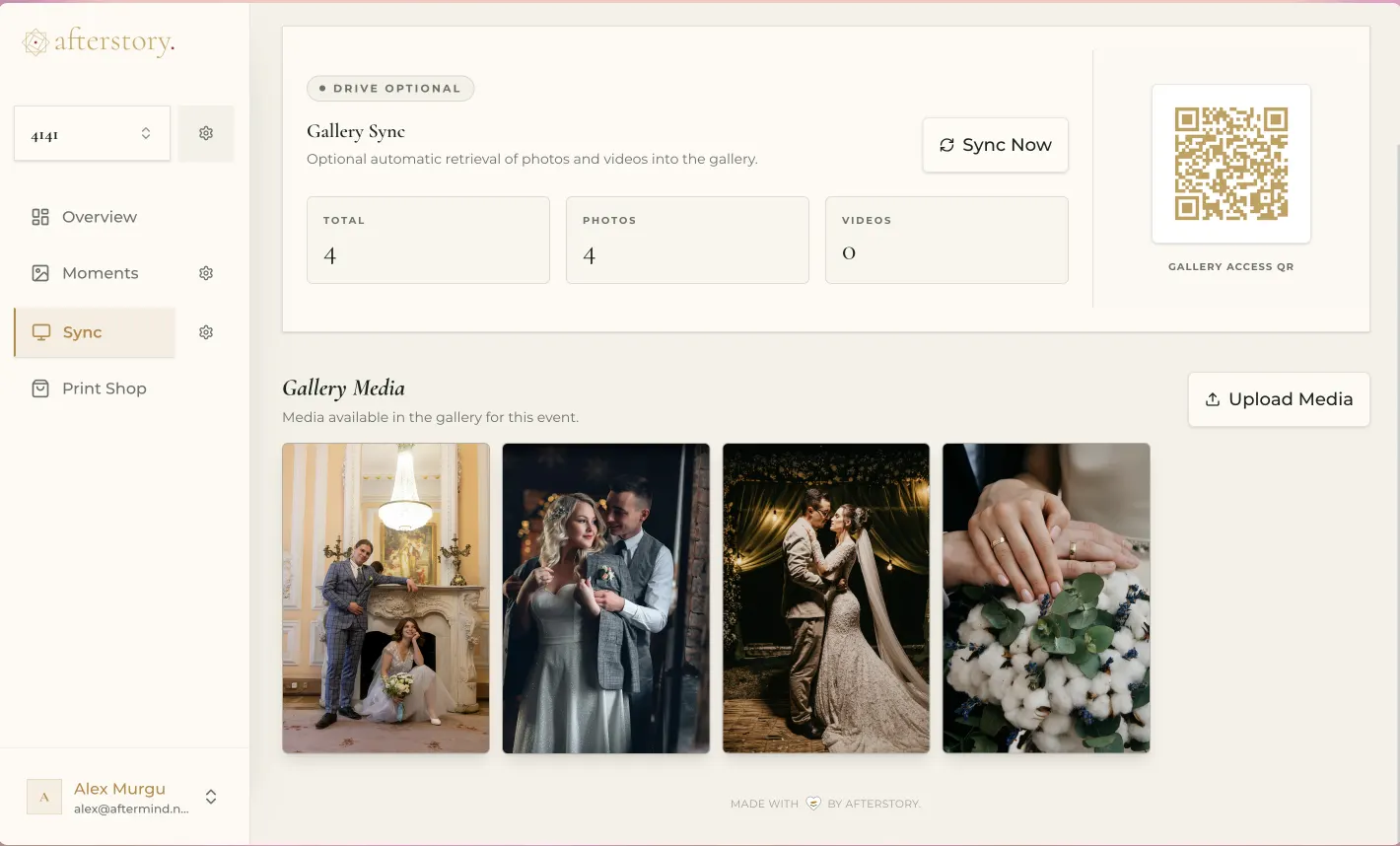
Photo sharing for weddings, christenings, and private celebrations in Cyprus. No app downloads, no accounts, and no compression.
Guests scan the QR code and upload directly from their phone browser. No app to install, no account setup.
Messaging apps compress photos heavily. Afterstory stores every photo and video at its original resolution.
Your event has its own private gallery. You control access and own all uploaded media.
The practical details behind QR photo sharing, the live venue screen, privacy, and full-resolution downloads.
You share your event QR code on tables, invitations, or a venue screen. Guests scan it with their phone camera, choose photos or videos, and upload directly in their browser.
No. The guest page works in a mobile browser and does not require an app, registration, or login.
Yes. Open the Afterstory Live Wall on a laptop connected to your venue screen or projector. New uploads join the full-screen slideshow within seconds.
No. Afterstory keeps the original uploaded files so the host can download the event collection in full resolution.
Each event has its own dedicated guest page and gallery. The host controls the event and can enable additional gallery access settings.
Afterstory works for weddings, christenings, birthdays, corporate events, and private celebrations.
Create your event for free with up to 10 uploads. Test the live slideshow and guest upload workflow before upgrading. No credit card required.
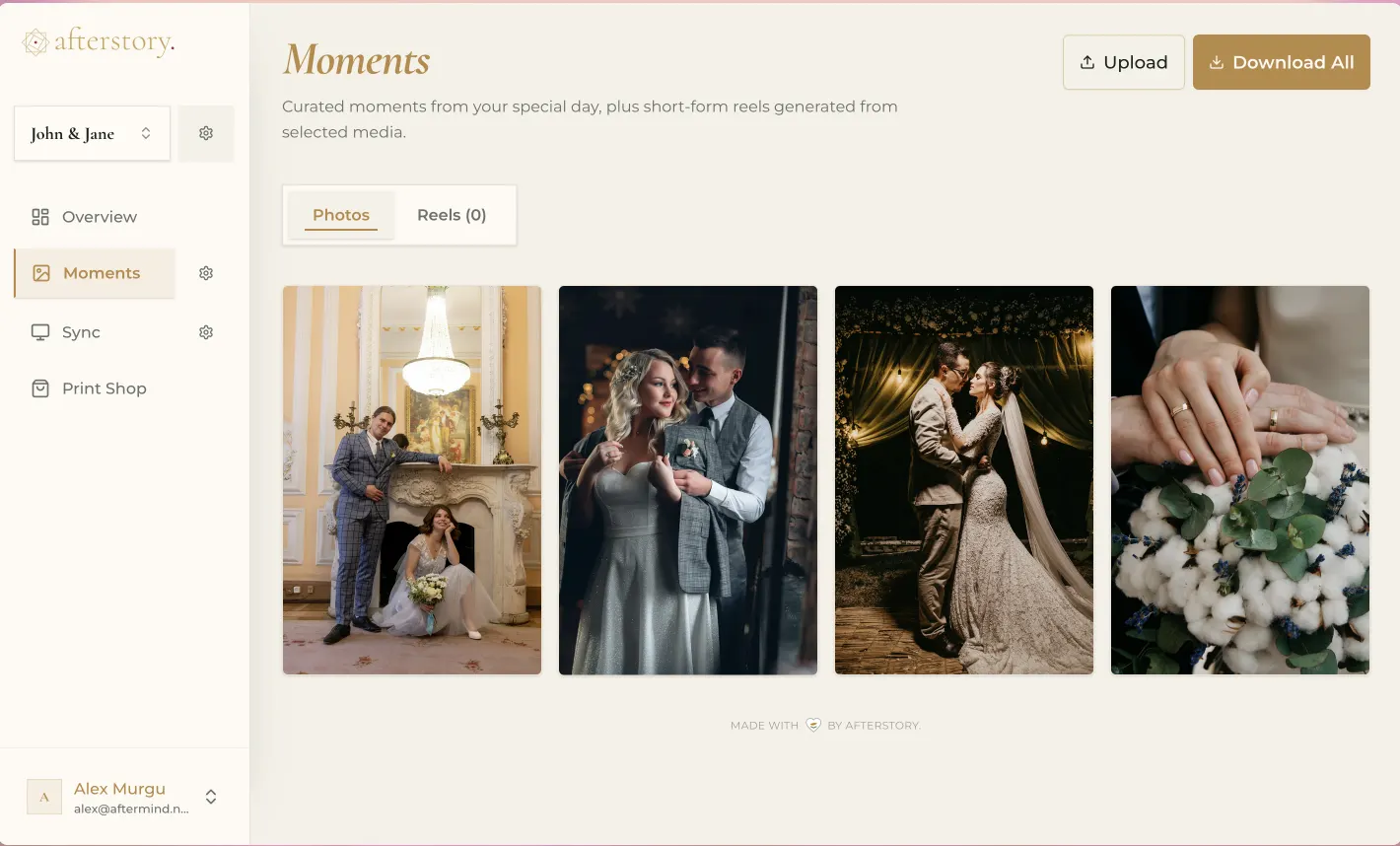
Moments
QR code uploads, a private gallery, and a live venue slideshow.
Sync
Bring professional photos into your event gallery and venue screen.
Coming soon
Digital invitations and RSVP tracking for your event.
Other platforms downscale photos to save bandwidth. Afterstory stores every file at its original resolution so photos stay sharp enough to print.
Events in Cyprus are large. Afterstory does not cap uploads or charge extra when your guests take hundreds of photos.
Stream photos from your photographer's camera directly to the venue screen. Afterstory handles high-resolution DSLR uploads alongside guest photos.
Combine Moments and Sync for the complete setup.
Custom enterprise solutions available